
Changing your Habbo name
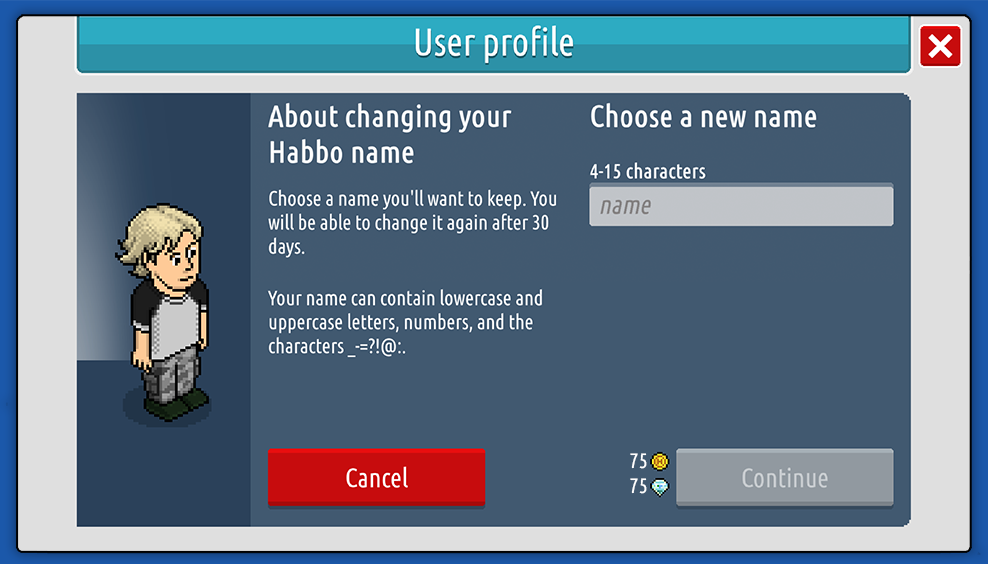
To change your name, open your profile in the Modern client and click or tap the edit button next to your name.
Requirements, cost, and restrictions
- You need to be a HC member.
- Names can contain the following characters: _-=?!@:,.
- You can change your name once every 30 days.
- It’ll cost 75 credits and diamonds to change your name.
- You can’t use the names of banned Habbos.
- You can’t use old names that have been reserved (see below 👇).
Reserving previous names
Every time you change your name, you’ll be able to reserve up to three of your old names in case you want to revert back to one of them.
You’ll be able to pick one of your three old names to clear whenever you want. Once a name is cleared, another Habbo can use it.